PRODUCT PHOTO TO VIDEO
Turn product photos into AI videos
Turn an existing product photo into a short video: upload it as a reference, describe the camera movement or scene, and choose a model that supports image input. Create product video content for your online shop, TikTok Shop or Shopee.
Open video generatorSign in to generate. Available models, settings and credit costs can change; check the generator before submitting.
An example from our video showcase.
PRODUCT PHOTO TO VIDEO
From photo to motion
- 01
Add a photo
Open the video generator and upload a clear product photo as a reference.
- 02
Set the scene
Choose a model that supports image input, describe the movement, and select the available video settings.
- 03
Generate & review
Check the credit estimate, generate, then review the result before using it.
PRODUCT REFERENCE TO AI VIDEO
Start with a product photo
These examples come from actual generation tasks. AI can change text, logos, shapes or colours; review the result before using it.
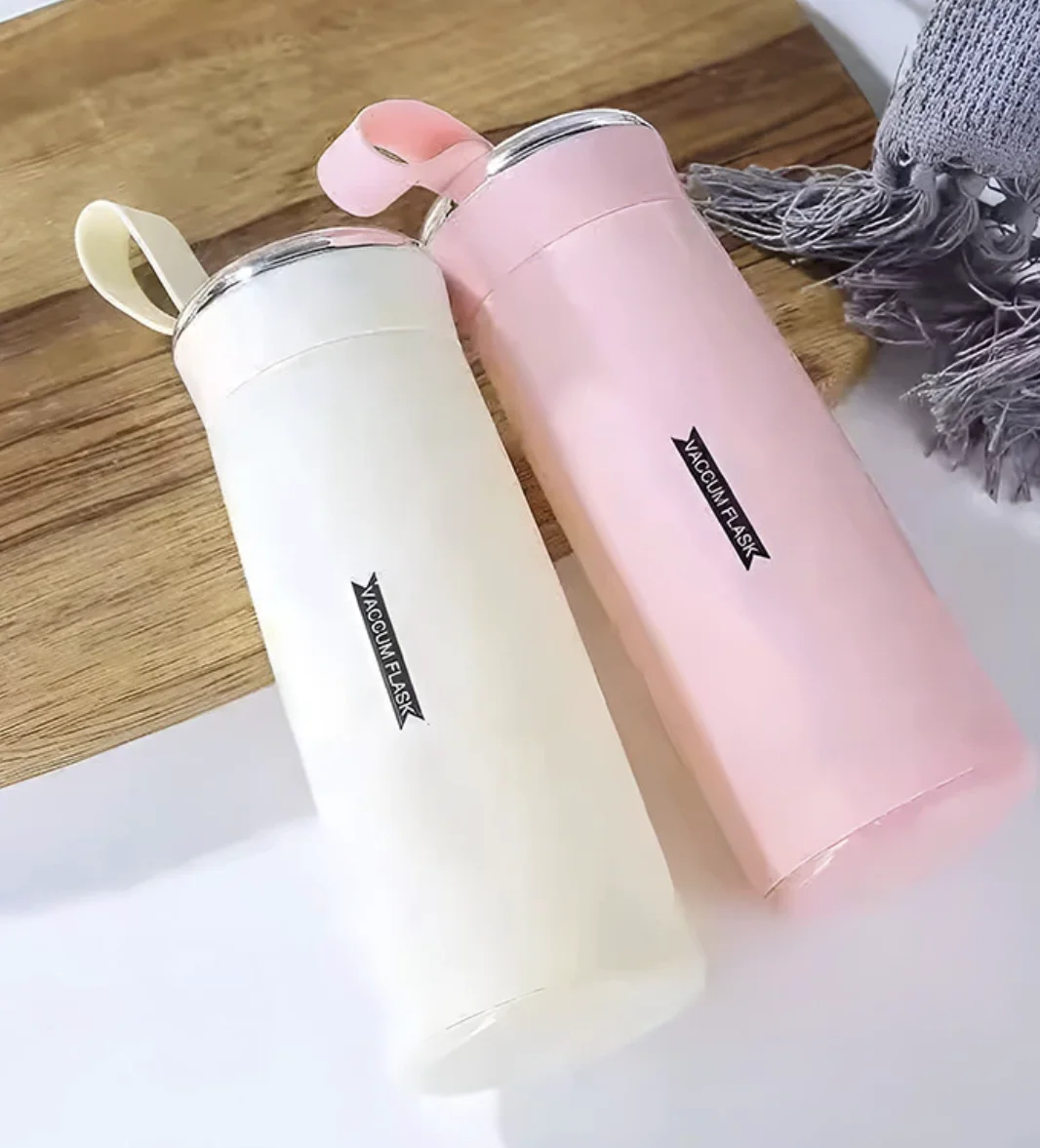
Pink and white insulated cups
An AI video generated from the product reference image, showing hands presenting the cups.
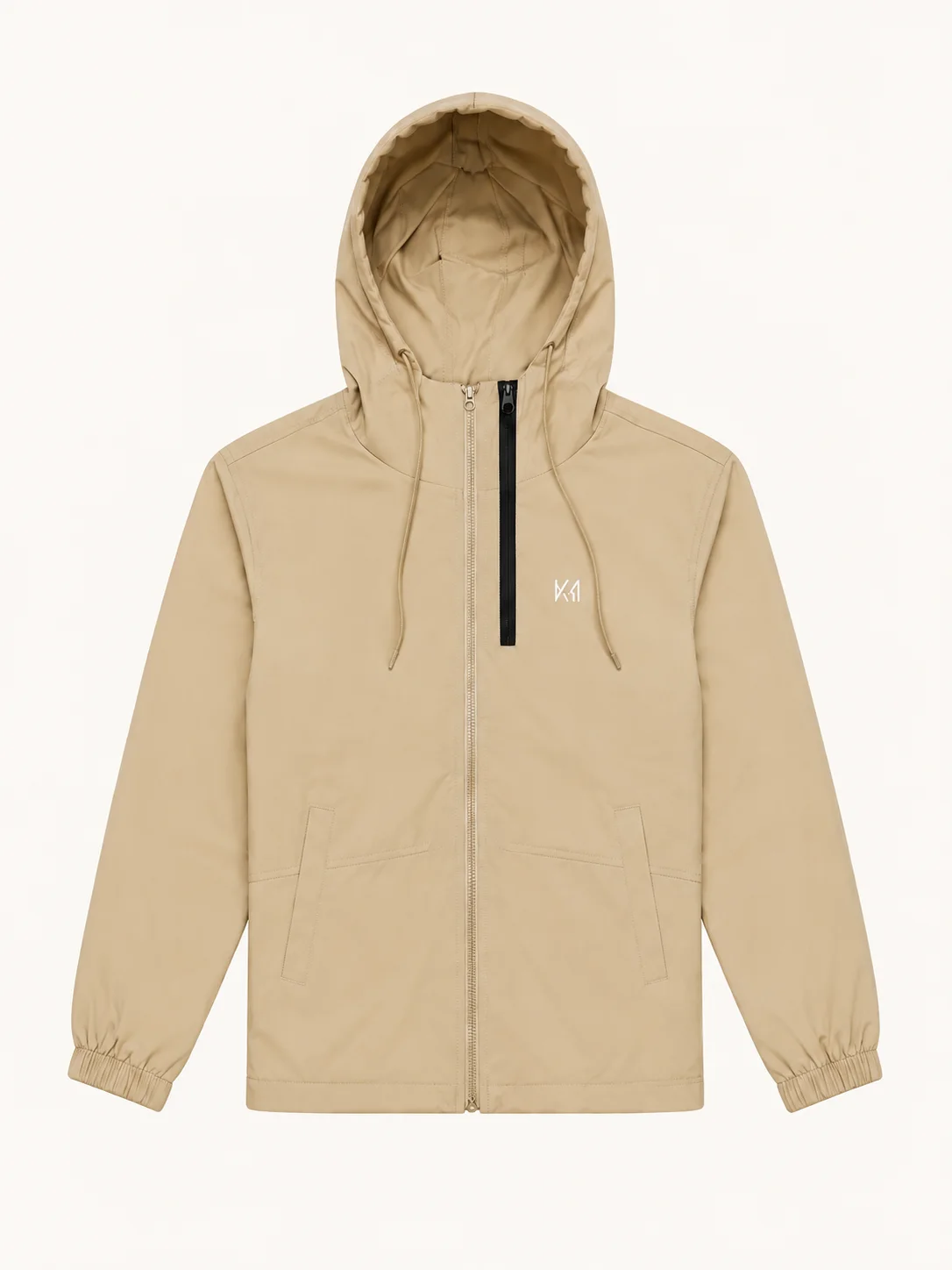
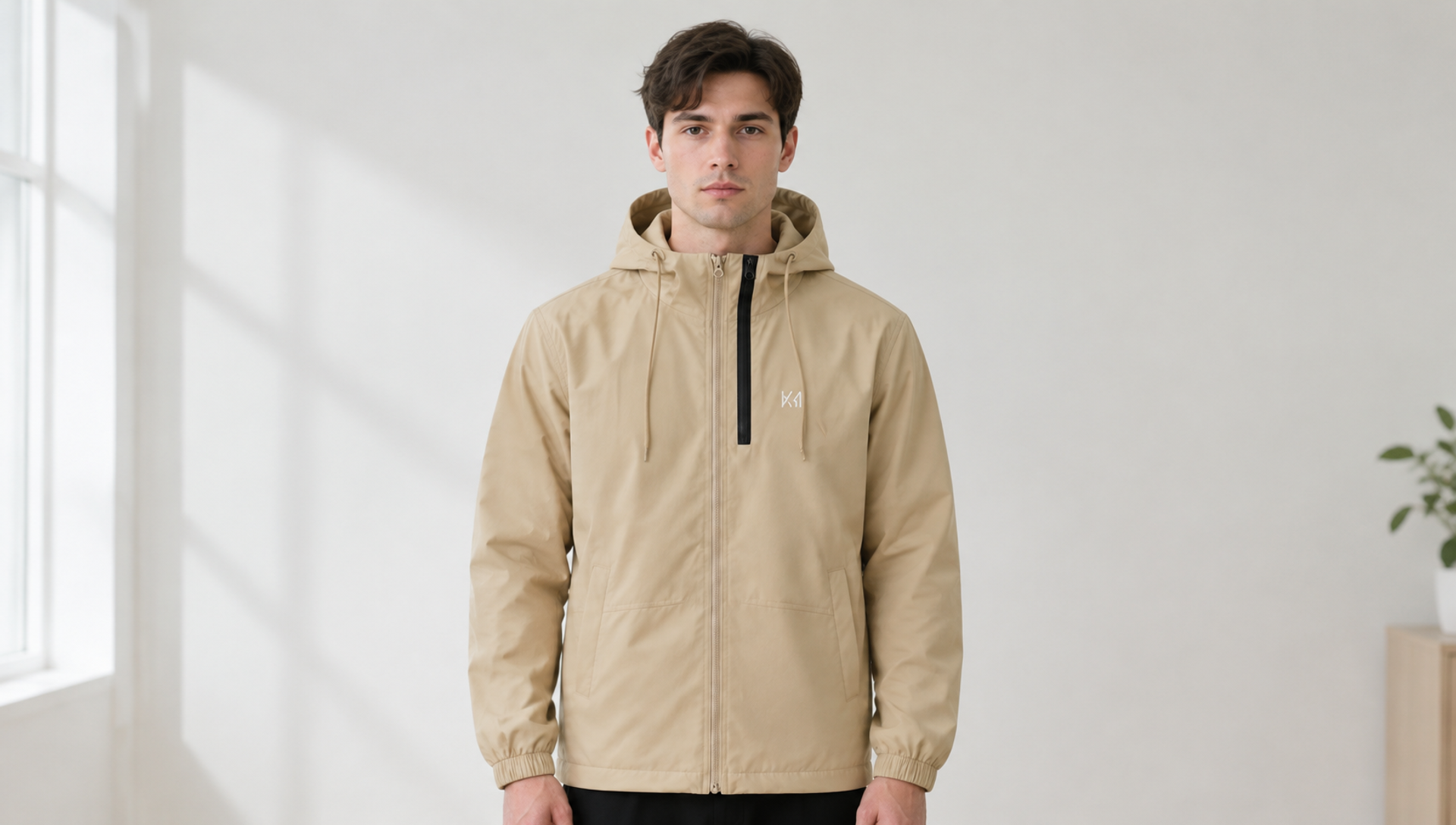
Khaki hooded jacket
The product reference was first used to generate a model image; that image was then used as the first frame for the AI video.
REELSMART / NOTES
Tips for a useful result
Use a well-lit image with the product clearly visible. Describe one movement at a time, such as a slow camera pan. AI can change labels, shapes or colours, so check the finished clip against your product.
Prompt ideas to adapt
“Use the product photo as a reference. Show hands lifting and slowly turning the item against a clean background, with a steady camera and soft light.”
“Use the clothing photo as a reference. Show a model turning gently to display the garment, with a fixed camera and a simple background.”
Need help writing a prompt? Explore video prompt tools →
Common questions
- What photo should I use?
- Start with a clear, well-lit photo that shows the product you want in the video. Use an image you have permission to upload.
- Will the video match my product exactly?
- Not always. AI can alter details such as text, logos, shape and colour. Review the video against the actual product before publishing it.
- Which settings and models can I use?
- Choose a model that supports image input in the video generator. Available models, image limits and settings depend on the selected model and may change.
- Do I need an account and credits?
- Sign in to generate. Check the current credit information in the generator and confirmation screen before submitting; costs depend on the selected options.
More guidance: Make a video from photos · Check image and video accuracy · Generate product images